The LinkedIn profile picture that works: framing, background, size
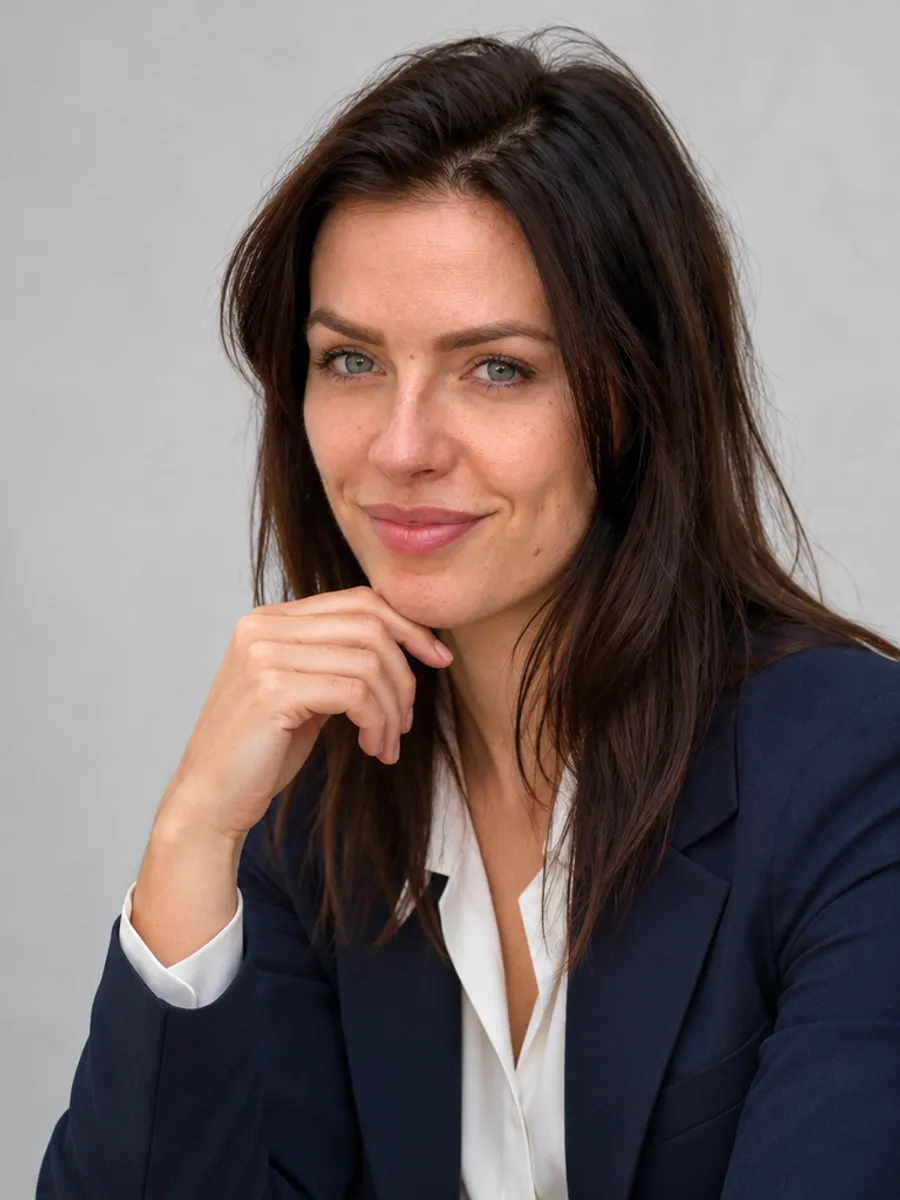
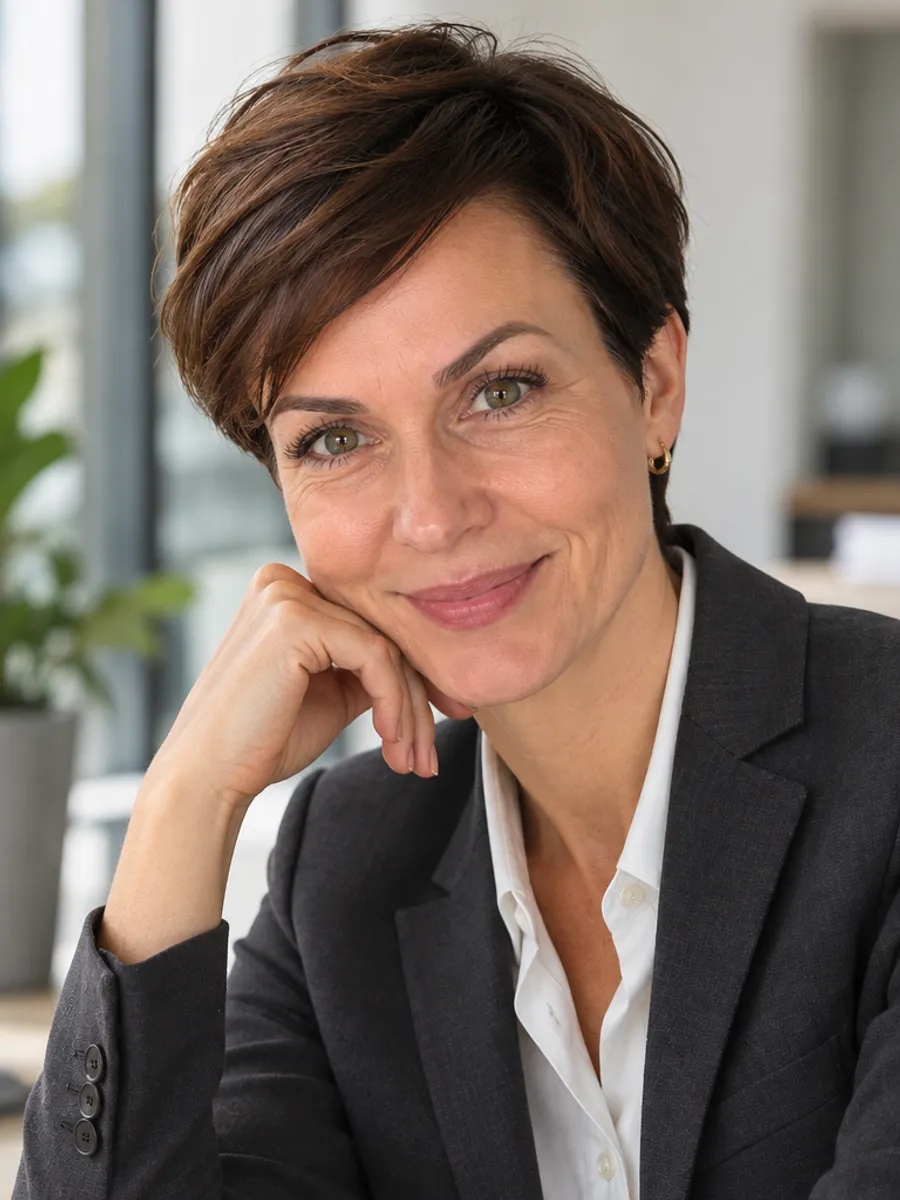
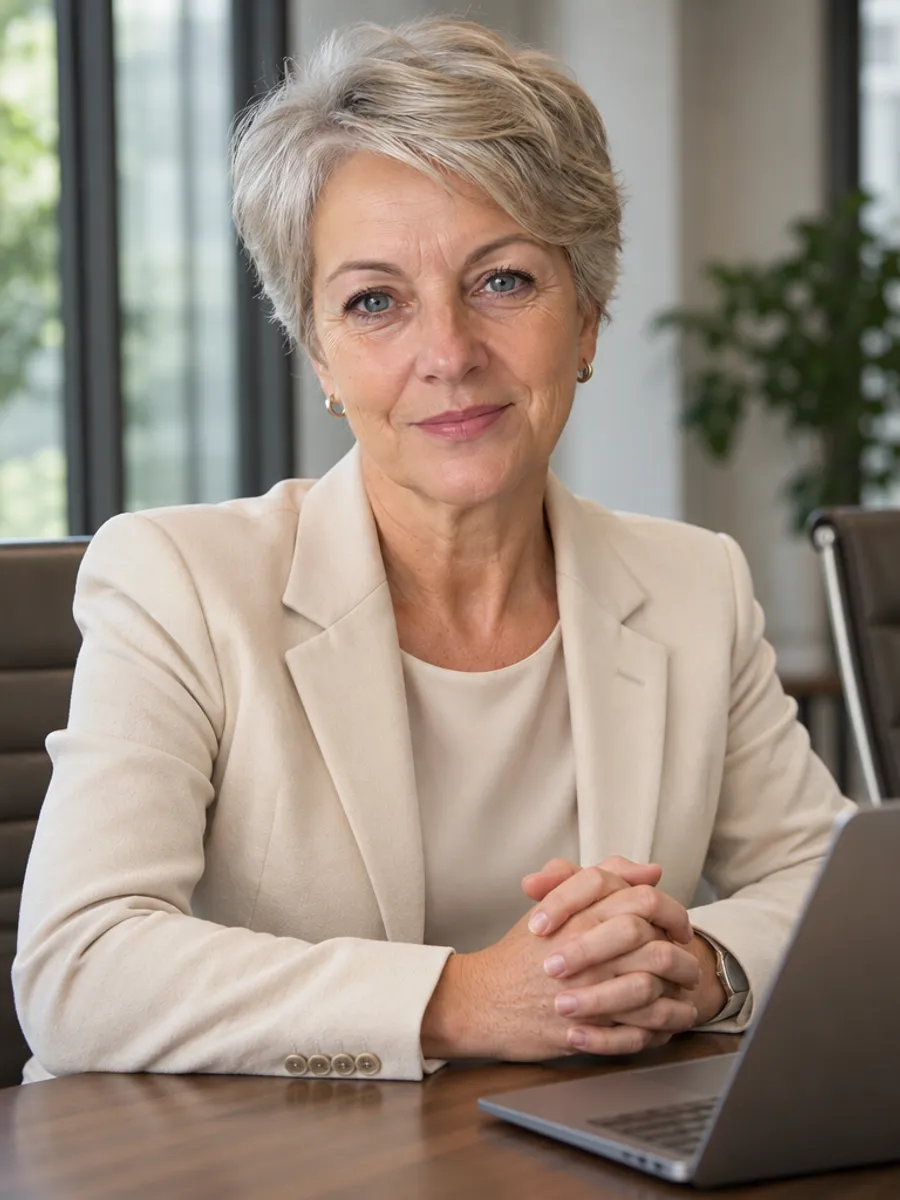
A good LinkedIn profile picture shows your face and shoulders, with you looking at the lens and a relaxed smile. The background is calm, the clothes match how you dress for work, and the photo looks like you today.
Below: what to get right, the size LinkedIn wants, what to wear, and whether an AI photo is a good idea. At the end, if you have no photo like this, you can upload one ordinary phone photo and see 8 business portraits in a free preview.
Create my photoshoot(free preview)Pay only if you love the result · no sign-up
What makes a good LinkedIn headshot
LinkedIn crops your photo to a circle and shows it small: next to your name in search, in comments, in messages. Someone has a fraction of a second to recognize you, so your face should fill most of the frame.
- Framing: from the shoulders up, face roughly in the center, a little space above the head.
- Look: straight into the lens, chin slightly forward.
- Expression: a natural smile that reaches the eyes. Teeth or no teeth, whichever feels like you.
- Background: plain or a quiet office. No other people, no clutter, nothing bright behind your head.
- Light: soft and even, from a window or in front of you. Avoid shadows under the eyes.
- No filters, sunglasses, group photos cropped to one face, or photos from years ago.
LinkedIn photo size and format
LinkedIn recommends a square photo of at least 400 by 400 pixels, in JPG or PNG, and limits the file size. The exact limits can change, so check LinkedIn’s help page before you upload.
Our portraits come as vertical 3:4 files. When you upload to LinkedIn, crop to a square around your face and the circle will be applied for you. Keep your face about 60 percent of the height of the square so it still reads when small.
What to wear for a LinkedIn photo
Dress the way you would for a client meeting in your field. A blazer works in most offices; in a creative field a neat sweater or shirt is enough. Solid, muted colors photograph best: navy, charcoal, gray, beige, cream. Burgundy or forest green are good as a single stronger accent.
Skip small checks and stripes, which can shimmer on camera, and jewelry that pulls the eye away from your face. Matte makeup, a little stronger than usual, keeps skin from looking shiny under light.
Is an AI photo OK on LinkedIn?
LinkedIn expects a profile photo of you, and the test that matters is simple: would a person who knows your profile recognize you at a meeting or on a video call? An AI portrait made from your own photo can pass that test if your features and age are unchanged. One that smooths your face or makes you younger does not.
Rules differ by employer and can change, so check LinkedIn’s current policy and, if you represent a company, your own. Look at the result with a cold eye: if you are not sure it looks like you, do not use it.
No photo like that? Make one from your phone photo
Upload one ordinary phone photo (face visible, daylight, no sunglasses, only you). Usually in 2–5 minutes you see 8 AI portraits in a free preview: a close-up on gray, a bright office, a conference table, a window over the city. Each has its own blazer and background. They are AI images, not photographs, and one person appears in each.
You pay only for the ones you pick: $9 for one, $35 for all 8 ($4.38 each). Close-ups work best for the profile picture, and the wider scenes suit posts and a company page. The scenes are written for women.
Your business photoshoot — free preview
8 photos to look at, usually ready in 2–5 minutes. No sign-up.
✅ A photo like this is enough
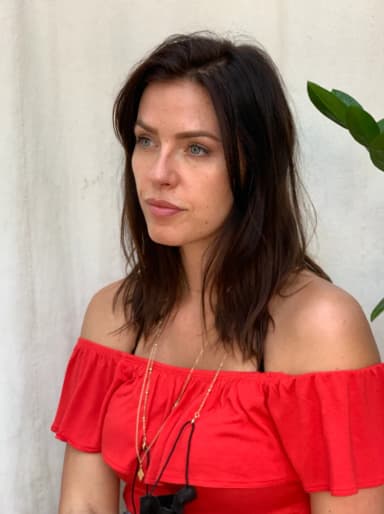
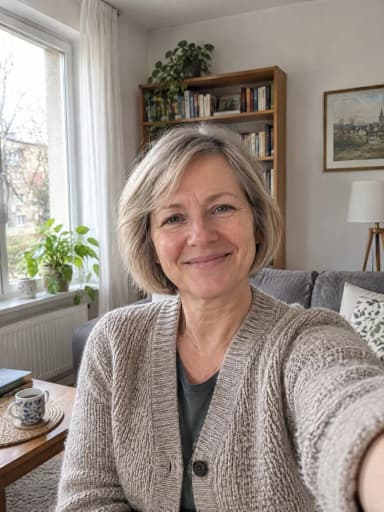

Face clearly visible, daylight, only you. The examples above were made from these photos.
❌ These won’t make a good photoshoot

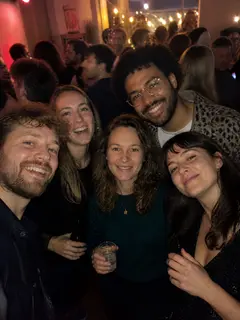


All about Business photoshoot: examples, pricing and questions →
Questions
What is the best LinkedIn profile picture?
Shoulders up, looking at the lens, a natural smile, a calm background and soft light, in clothes you would wear to work. It should look like you today.
What size should a LinkedIn profile picture be?
LinkedIn recommends a square image of at least 400 by 400 pixels in JPG or PNG. Check its help page for the current file size limit.
What should I wear for a LinkedIn photo?
What you would wear to a client meeting in your field. Solid, muted colors such as navy, charcoal, gray, beige or cream. Avoid small patterns and distracting jewelry.
Should I smile in my LinkedIn photo?
Yes, a relaxed, natural smile. It makes you look approachable. A stiff, forced smile reads worse than a small one.
Can I use an AI-generated photo on LinkedIn?
It should look like you, with your own features and age, and you should check LinkedIn’s current rules and your employer’s. Our portraits keep your features, and you review them in a free preview first.
Does the background matter?
Yes. A plain or softly blurred background keeps attention on your face. Avoid busy rooms, other people and bright windows behind you.
Can I use the same photo everywhere?
You can, and consistency helps people recognize you. Use one photo on LinkedIn, your email signature and your company page.