AI photoshoot: what it is and how it works
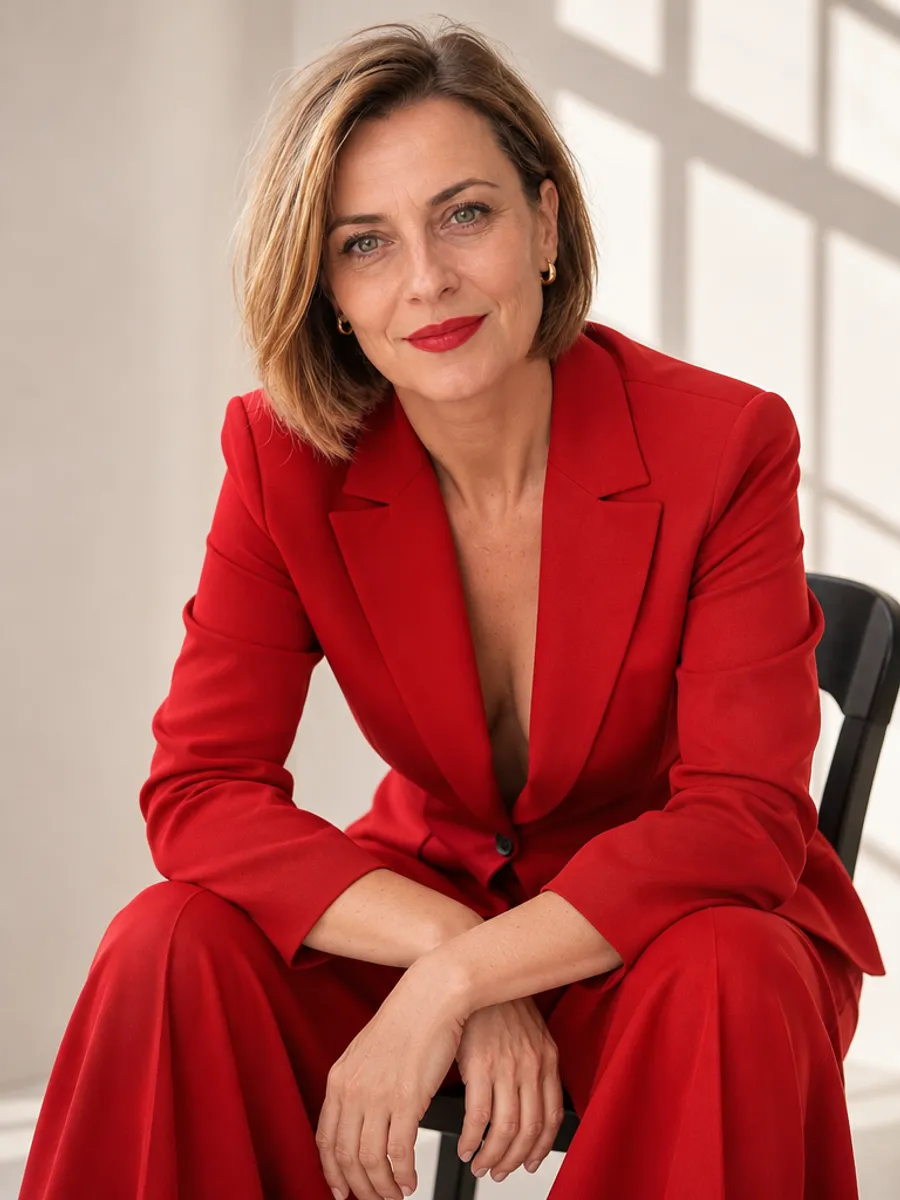
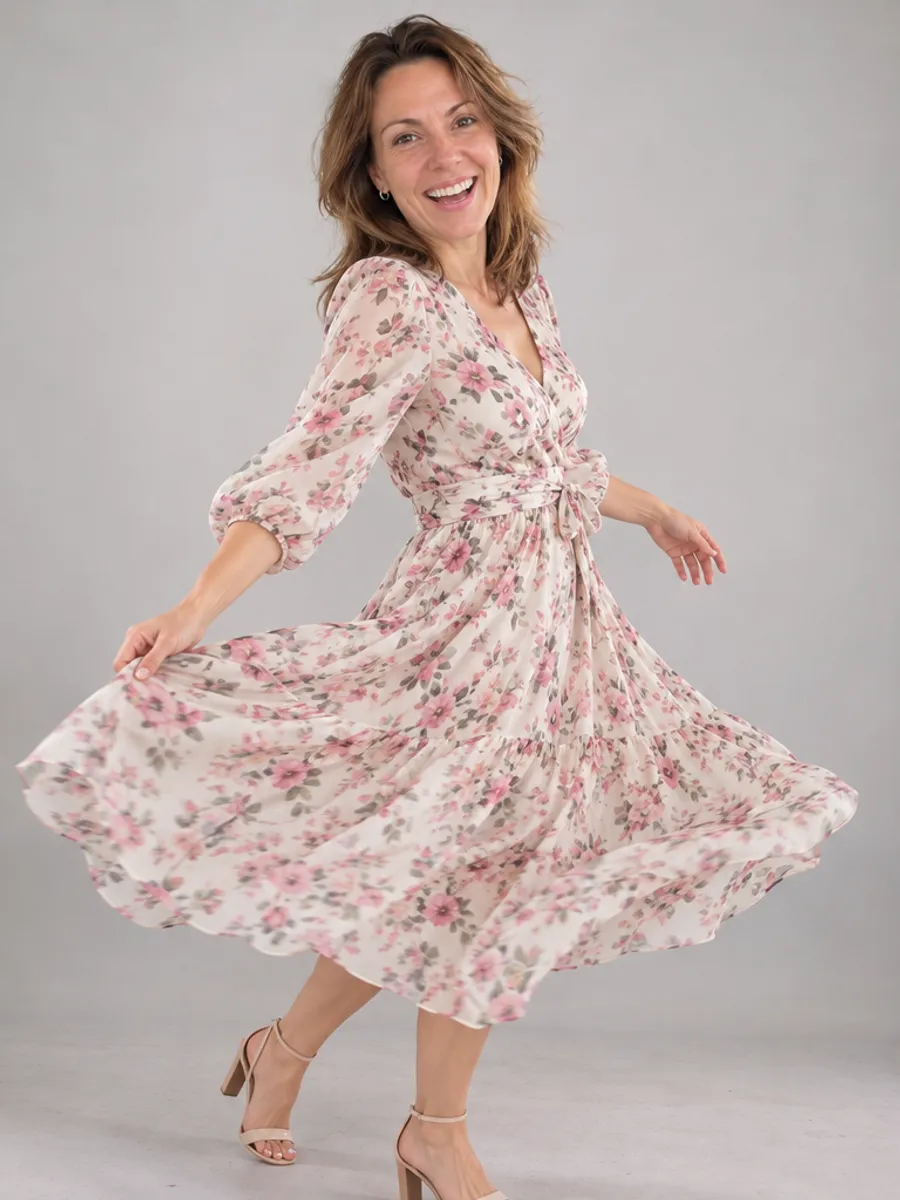
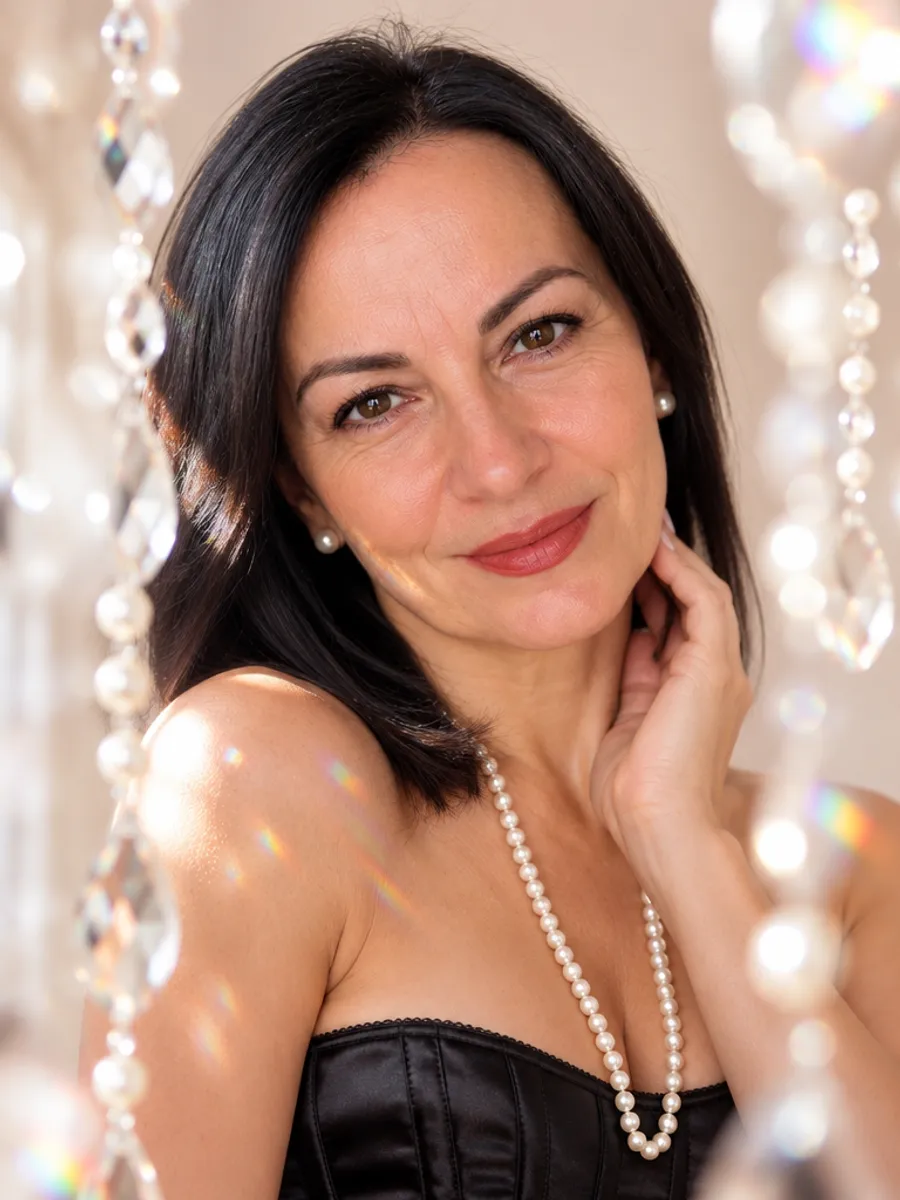
An AI photoshoot turns a photo of you into a set of new photos in different places and outfits, with no photographer, studio or trip. This guide is about photoshoots of a person, not product photos for a shop.
Here you upload one ordinary phone photo, and usually in 2–5 minutes you see 8 watermarked previews in a free preview. You pay only for the photos you pick, and those download in full quality with no watermark.
Create my photoshoot(free preview)Pay only if you love the result · no sign-up
What is an AI photoshoot?
It is a set of AI-generated images that show you in scenes you were never in: a studio, a beach, a Paris street, a Christmas tree. They are not real photographs. Your face and features come from your photo, and the clothes, place and light are generated.
An AI photoshoot from one photo, or a trained model?
AI photoshoot generators work in two ways. Some ask for 10 to 20 photos of you, train a model on them and return a large pack some time later. You usually pay for the pack before you see a single result.
Others work from one photo. This one does: you upload a single ordinary phone photo, nothing is trained on it, and the 8 previews are usually ready in 2–5 minutes. You see them before you pay and buy only the ones that look like you.
The trade-off is honest: one photo gives the model one view of your face, so the photo has to be clear and well lit. A trained model can average over many photos, but costs more time and money up front.
How an AI photoshoot works
The steps are the same in most tools. Here they take about five minutes.
- Pick a photoshoot theme. Each one comes with its own scenes and outfits, so you do not write prompts.
- Upload one photo of yourself and enter your email.
- Wait for 8 watermarked previews, usually 2–5 minutes.
- Mark the photos you like, pay for those and download them without the watermark.
Types of AI photoshoots you can pick
Themes group by occasion. Each has its own set of eight scenes. Every photoshoot is linked under the list.
- Portraits: a feminine studio photoshoot, a black-and-white portrait, a cinematic photoshoot, an old money look, a retro 80s and 90s look, a white shirt photoshoot.
- Work: a business photoshoot for LinkedIn and your résumé, and a personal brand photoshoot for a bio or website.
- Travel and outdoors: an outdoor golden-hour photoshoot, Paris, Santorini, Egypt and a tropical beach.
- Holidays and seasons: Christmas, a Christmas sweater, a Christmas card, winter, autumn, spring, Easter, Valentine’s Day and Halloween.
- Milestones: a birthday photoshoot and an engagement photoshoot.
- Couples: a couples photoshoot from one photo of the two of you, also in Christmas and Valentine’s Day versions.
- Dating: natural photos for a dating profile, and a tasteful boudoir photoshoot.
- Halloween photoshoot
- Autumn photoshoot
- Photoshoot for couples
- Christmas photoshoot for couples
- Business photoshoot
- Feminine photoshoot
- Boudoir photoshoot
- Outdoor photoshoot
- Photoshoot with a horse
- Black-and-white photoshoot
- Old money photoshoot
- Egypt photoshoot
- Tropical beach photoshoot
- Paris photoshoot
- Santorini photoshoot
- Christmas photoshoot
- Christmas sweater photoshoot
- Christmas card
- Birthday photoshoot
- Christmas fairytale photoshoot
- Winter photoshoot
- Valentine’s Day photoshoot
- Valentine’s Day photoshoot for couples
- Easter photoshoot
- Spring photoshoot
- White shirt photoshoot
- Dating profile photoshoot
- Engagement photoshoot
- Retro photoshoot
- Cinematic photoshoot
- Personal brand photoshoot
What a good starting photo looks like
The model copies your face from the photo you upload, so this is the step that matters most.
- Your face is clearly visible, looking at the camera or slightly to the side.
- Daylight from a window, with no harsh shadows.
- No sunglasses, hat or beauty filter.
- Only you in the frame. Someone else can take the photo.
- What you wear in it does not matter. The outfits come from the scenes.
How much does an AI photoshoot cost?
The preview costs nothing. After that you pay per photo: $9 for one, $29 for five, $35 for all 8, which is $4.38 each. If nothing in the preview looks like you, you pay nothing.
What an AI photoshoot cannot do
Knowing the limits saves disappointment.
- Groups. Photos with one person work best. The exception is a couples photoshoot made from one shared photo of the two of you.
- Kids and pets. The scenes are made for adults.
- A real place or a real moment. A wedding day, a family reunion or your actual kitchen cannot be photographed by AI.
- Documents. A passport or ID needs a real photograph.
AI photoshoot vs a photographer
A photographer usually costs a few hundred dollars and takes an afternoon, plus a few days of editing. You get real photographs, a real location and someone who guides your pose. That is the better choice for a wedding, a family session or photos in your own office.
An AI photoshoot takes minutes and you see the result before paying. It suits profile photos, keepsakes, holiday cards and ideas you would never book a studio for. The photos are AI images, and we say so.
Is it private?
Your photo is used only to create your photoshoot. We never show it to anyone or use it in ads. We delete it after 30 days, or sooner if you ask.
Your feminine photoshoot — free preview
8 photos to look at, usually ready in 2–5 minutes. No sign-up.
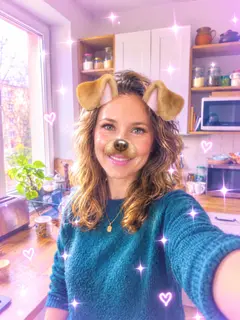
✅ A photo like this is enough
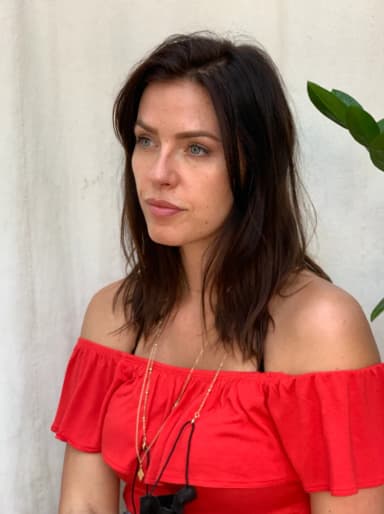
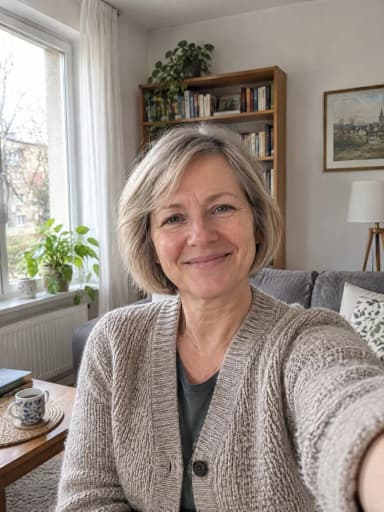
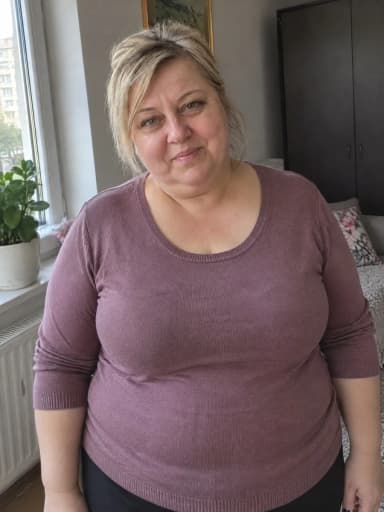
Face clearly visible, daylight, only you. The examples above were made from these photos.
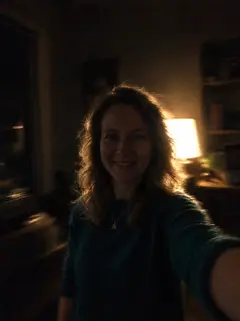
❌ These won’t make a good photoshoot
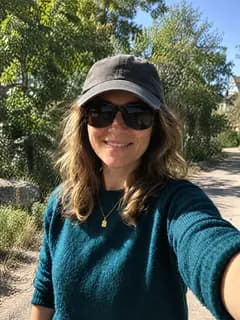
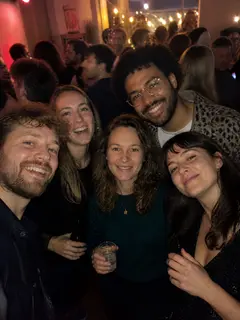
All about Feminine photoshoot: examples, pricing and questions →
Questions
What is an AI photoshoot?
A set of AI-generated photos of you in new places and outfits, made from your own photo. They are not real photographs.
Can I do an AI photoshoot from one photo?
Yes. One ordinary phone photo with your face clearly visible is enough. No batch of photos and no model training.
Is there a free preview?
Yes. You see 8 watermarked photos before paying. Downloads are paid per photo, from $4.38 each when you take all 8.
What kinds of AI photoshoots are there?
Portraits, business headshots, travel scenes, seasonal and holiday photoshoots, birthdays, engagements and couples. Each theme has its own eight scenes.
Can I do an AI photoshoot with my partner, kids or pet?
Couples work from one shared photo of the two of you. Groups, kids and pets are not supported.
Do the photos have a watermark?
Only the previews. The photos you pay for download in full quality with no watermark.
Can I get my money back?
Yes. You can withdraw from the purchase within 14 days without giving a reason, and we refund the payment. And if nothing in the preview looks like you, you simply do not pay.
How long does it take?
The preview is usually ready in 2–5 minutes.
What happens to my photo?
It is used only to create your photoshoot. We never show it to anyone or use it in ads. We delete it after 30 days, or sooner if you ask.