AI Christmas photos from one phone photo
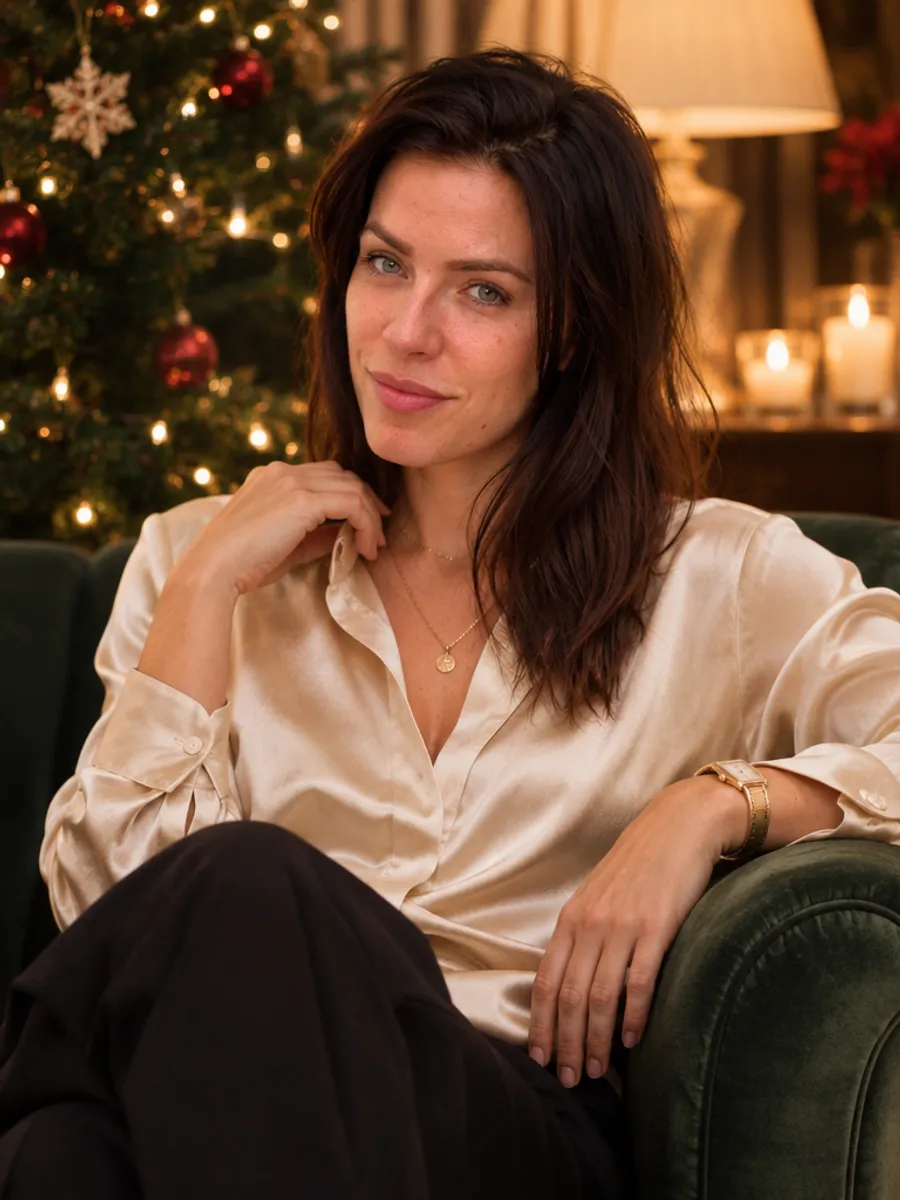
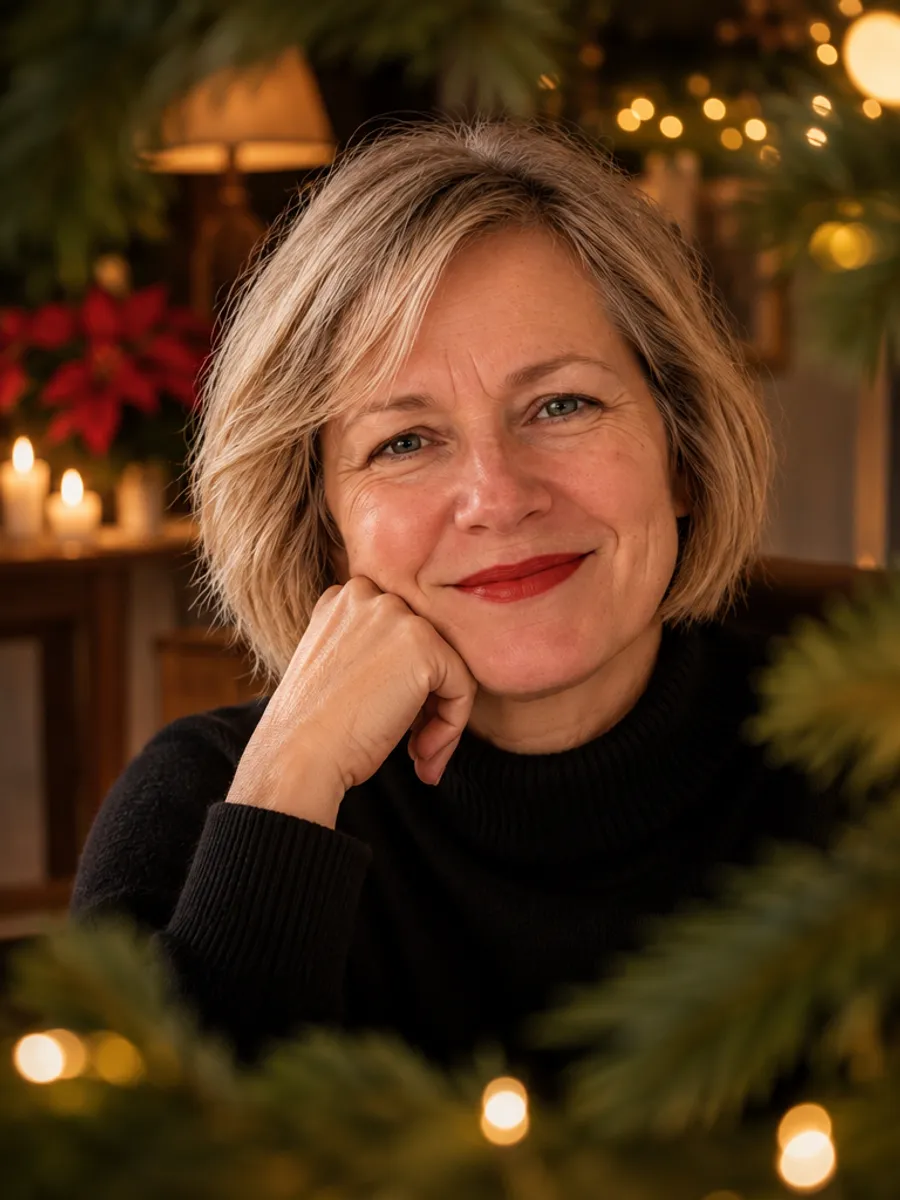
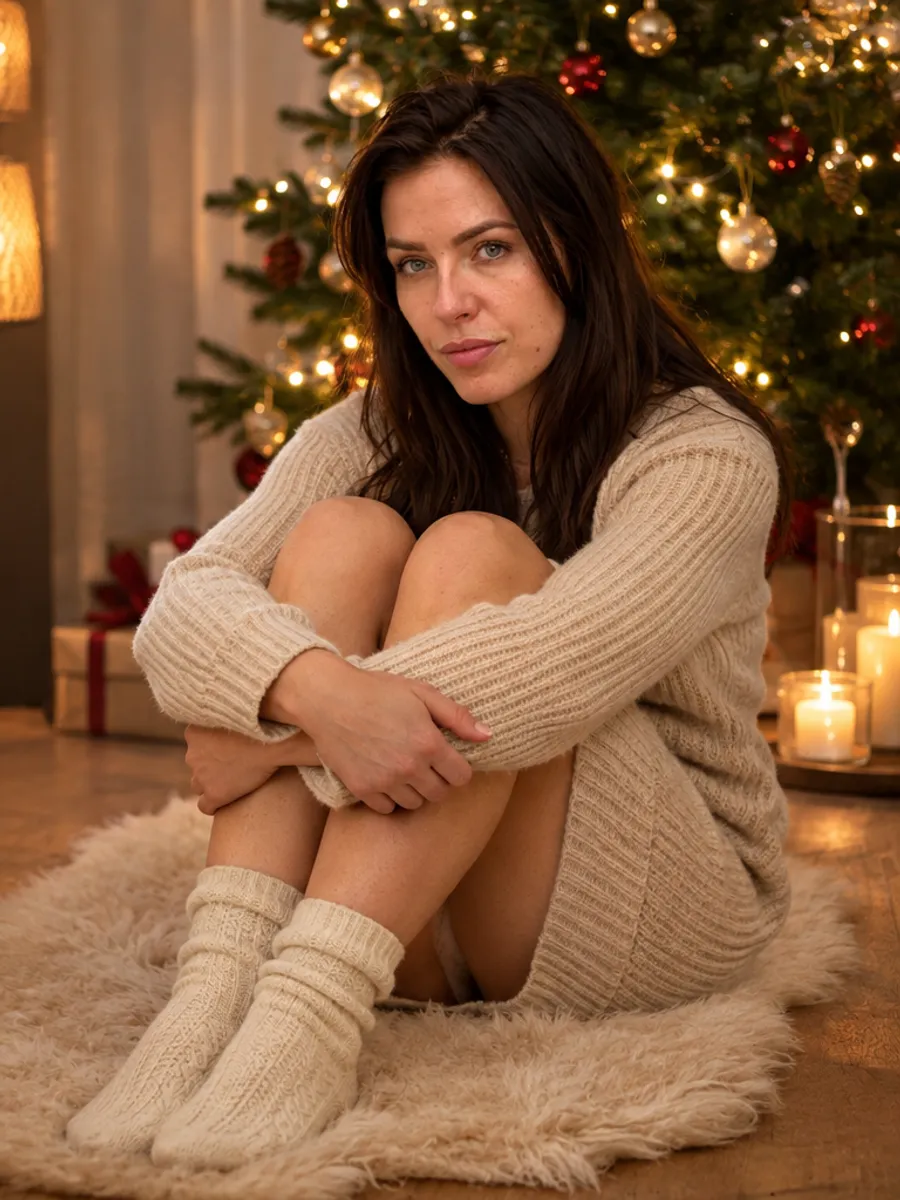
Upload one ordinary phone photo, and in 2–5 minutes you see 8 Christmas portraits of yourself: by the tree, at a holiday table, at a market, on a snowy street. The free preview has a watermark, and you pay only for the photos you pick.
These are AI-generated images, not a real shoot. Your face stays yours, and the scene, outfit and light are generated. You do not write prompts or pick a style: the outfits and settings come with the photoshoot.
Create my photoshoot(free preview)Pay only if you love the result · no sign-up
How to make AI Christmas photos
The whole thing takes about five minutes, and most of it is waiting for the preview.
- Pick a photo from your phone where your face is clear, in daylight, with only you in the frame. Someone else can take it.
- Upload it below and enter your email. The preview link comes to that address.
- Look at the 8 watermarked previews and mark the ones where you look like yourself.
- Pay for those only. Full-quality photos without the watermark download right after payment: $9 for one, $35 for all 8.
What your AI Christmas photos look like
The Christmas photoshoot is a fixed set of 8 scenes, each with its own outfit. This is what you get:
- A black turtleneck and red lipstick: a close portrait through fir branches with tiny lights
- A cream silk blouse: a green velvet armchair by the tree, legs crossed
- An oatmeal knit dress and wool socks: on a sheepskin in front of the tree
- Cream knit blankets and scattered lights: a shot from above, hair spread around your head
- A dark green satin dress: a Christmas Eve table in candlelight
- A long caramel coat and a cream scarf: a snowy old-town lane at dusk
- A thick white sweater: a black-and-white portrait by a frosted window
- A cream beanie and a mug of mulled wine: a Christmas market in the evening
Which photo gives the best AI Christmas photos
The model copies your face from the photo you upload, so that photo matters more than anything else.
- Your face fills a good part of the frame, looking at the camera or slightly to the side
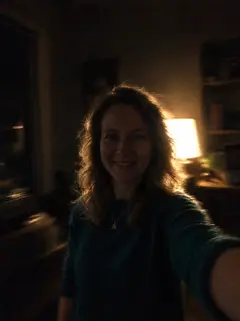
- Daylight from a window, no harsh shadows
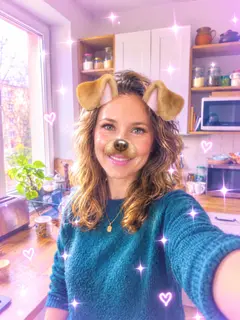
- No sunglasses, hats or beauty filters
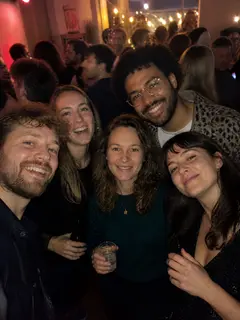
- Only you in the photo. If you are in a group shot, crop yourself out first
- Wear whatever you like: the outfits come from the scenes, not from your photo
What AI Christmas photos cannot do
Each photo shows one person. If you want the whole family under the tree, a group photo from a real photographer is still the way to go. Children and pets are not supported.
The places are generated, so a photo of a market is not a photo from a real market. We do not smooth or age you: you keep your real skin and features, with light retouching like a magazine portrait. Not every image comes out equally good, which is why you see the preview first.
AI Christmas photos or a photographer
A mini Christmas session with a photographer usually costs a few hundred dollars, and December dates book up in autumn. It is the right choice if you want a real session, or photos with your family.
AI is the quick option: no booking, no travel, no wardrobe to assemble. You pay only for the photos you pick, from $4.38 each if you take all 8.
What to do with your Christmas photos
You get full-quality files, so you can use them anywhere:
- Send one with your holiday message to family and friends
- Print one for a frame or a card at a photo shop
- Set one as your profile picture for December
- Give it as a gift to someone who liked it
Your christmas photoshoot — free preview
8 photos to look at, usually ready in 2–5 minutes. No sign-up.
✅ A photo like this is enough
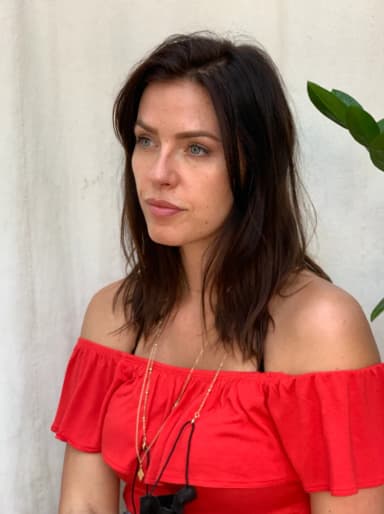
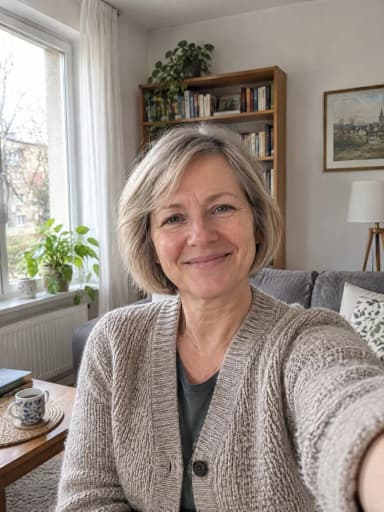

Face clearly visible, daylight, only you. The examples above were made from these photos.
❌ These won’t make a good photoshoot

All about Christmas photoshoot: examples, pricing and questions →
Questions
Do AI Christmas photos cost anything?
You get a free preview of 8 watermarked photos. You pay only for the photos you pick, $9 for one or $35 for all 8.
Will the photos look like me?
Usually yes, because the model works from your own face. Not every photo comes out equally well, so check the preview and buy only the ones you like. If none work, you pay nothing.
Can I put my whole family in one photo?
No. Each photo shows one person. For a family photo, use a photographer or a timer on your phone.
How long does it take?
The preview usually appears in 2–5 minutes. The full photos download right after you pay.
What kind of photo should I upload?
One ordinary phone photo with your face clearly visible, in daylight, with only you in the frame. No sunglasses or filters.
Can I use the photos for my Christmas card?
Yes. Download the photos after payment and send them or print one. If you want your greeting written on the photo, the Christmas card photoshoot adds the lettering for you.
Is this a real photoshoot?
No. The photos are generated by AI from your phone photo. Your face is yours, and the scene, outfit and light are generated.